
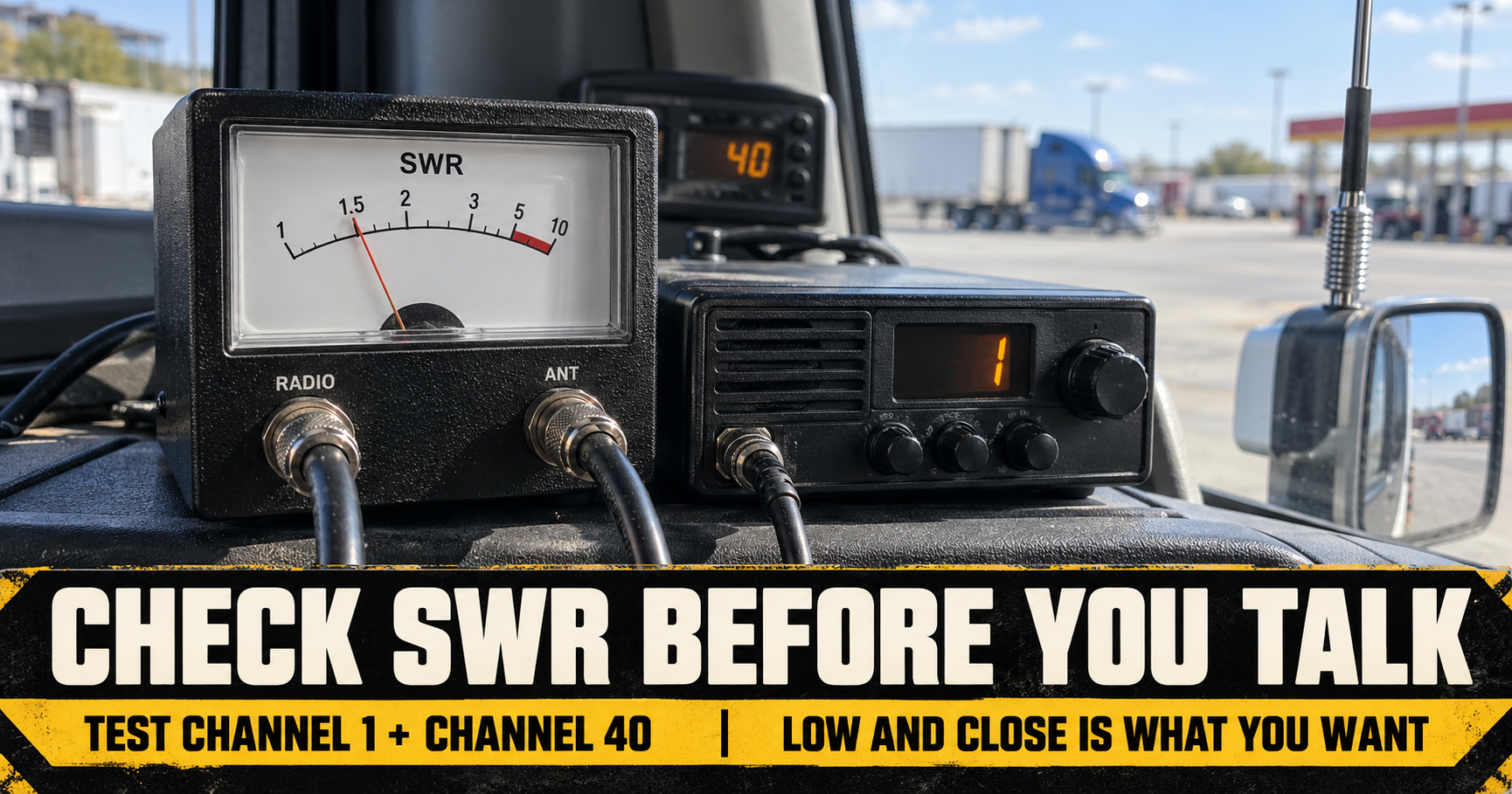
You can install a CB radio, hear other drivers talking, and think everything is ready. Receiving a signal does not tell you whether the antenna setup is ready for you to transmit.
That is where an SWR check comes in. It gives you a reading you can use to find problems with the antenna, mount, or cable before you spend a trip wondering why nobody can hear you. If you have never used an SWR meter, the buttons and numbers can look more complicated than they really are. I’ll walk through what each reading means and what I would check before adjusting anything.
What Is SWR on a CB Radio?
SWR stands for standing wave ratio. It measures how well the radio’s signal passes through the antenna system when you transmit. The antenna system includes more than the whip you see outside the truck. The coax cable, its connectors, and the antenna mount are part of the setup too.
A lower number is better. A reading of 1:1 is ideal, although you do not need to chase a perfect 1:1 to have a useful CB. I would be pleased with a reading around 1.5:1 or lower. If it is getting close to 2:1, I would see whether the installation can be improved. If it reads 3:1 or higher, I would stop making regular transmissions and find the problem.
The number does not tell you exactly which part is wrong. Think of it as a warning light and a way to judge whether each change you make helped.



Check SWR After You Finish Installing the Radio
I would check SWR after installing a CB, replacing an antenna, changing a mount, or rerouting coax. I would also check it if the antenna took a hit or the radio suddenly stopped reaching drivers it used to reach.
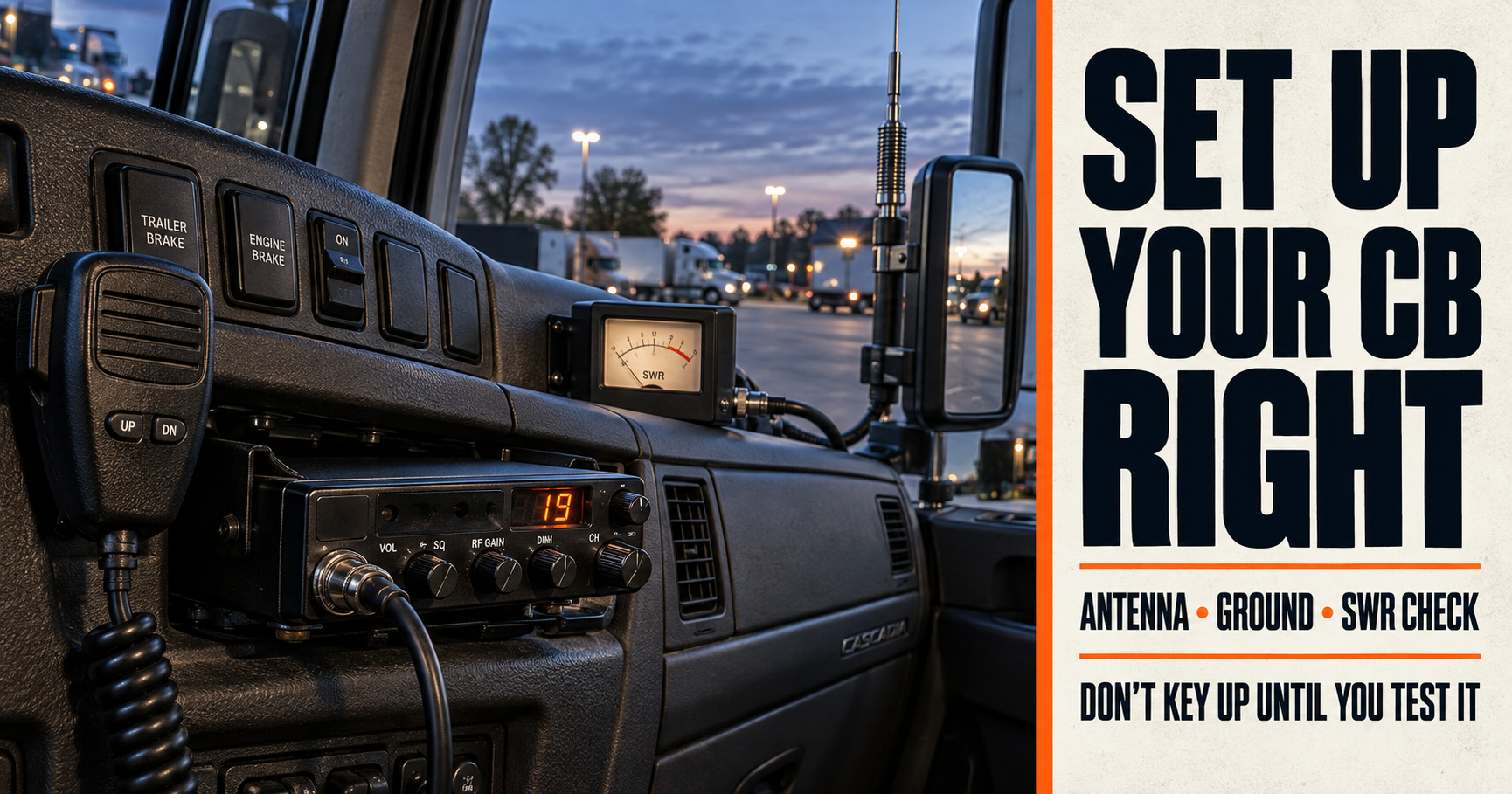
If the radio is still sitting loose in the cab or the antenna has not been mounted in its driving position, finish that work first. Our CB radio setup guide for semi trucks covers the installation steps. An SWR reading is most useful when it reflects the setup you will actually drive with.


What Do You Need to Check CB Radio SWR?
First, find out whether your radio has a built-in SWR meter. If it does, get the manual for that specific model. Different radios use different controls and calibration steps.
If your radio does not have one, you will need an external SWR meter made for CB frequencies and a short coax jumper cable. The jumper connects the radio to the meter. The truck’s antenna coax then connects to the meter’s antenna port.
Turn the radio off before disconnecting or reconnecting cables. Read the labels on the meter rather than guessing which side goes to the radio. Most external meters mark the ports for the transmitter and antenna.
I would also keep a note on my phone or a piece of paper for the readings on Channels 1, 19, and 40. Those three numbers are more helpful than remembering that the needle looked “somewhere around two.”
Where Should You Park to Check SWR?
Find an open place where you can park safely and leave some space around the truck. Avoid checking right beside a building, another trailer, or a large metal structure.
Put the antenna in its normal driving position. If you run a particular trailer and its position affects the area around the antenna, check with the truck set up as you normally use it. You want a reading that describes your actual installation, not one taken with the antenna folded down or the truck squeezed into a parking spot.
Before turning on the radio, confirm that the coax and antenna are connected. Do not key the microphone with the antenna system disconnected.



How to Connect an External SWR Meter
The connection order is straightforward once you picture the meter sitting between the radio and antenna.
Disconnect the antenna coax from the back of the CB. Connect your short jumper from the radio’s antenna connection to the meter’s transmitter or radio port. Then connect the antenna coax to the meter’s antenna port.
Check that the connectors are seated properly. If a connector will not thread on smoothly, stop and inspect it rather than forcing it. A damaged connector can create the very problem you are trying to diagnose.
If your radio has a built-in SWR meter, you can leave the coax connected normally and follow that radio’s manual.
How to Check SWR on Channels 1, 19, and 40
The exact controls depend on your meter. On a common external meter with FWD or CAL and REF or SWR settings, this is the basic sequence:
- Set the CB to Channel 1.
- Put the meter in its FWD or CAL position.
- Key the microphone briefly and turn the meter’s calibration control until the needle reaches its marked SET point.
- Following your meter’s instructions, switch to REF or SWR and read the number.
- Release the microphone and write down the reading.
- Repeat the process on Channel 19, then Channel 40.
Recalibrate when you change channels if your meter’s instructions call for it. Keep transmissions brief while testing. The goal is to get a reading, not hold the microphone down while you study the dial.
Channel 19 matters because it is the channel many truck drivers use on the road. Channels 1 and 40 matter because comparing the low and high ends helps you decide whether the antenna needs an adjustment.
How to Read Your Three SWR Numbers
Start with the overall level. If all three readings are reasonably low, you may not need to change anything.
Then compare Channel 1 with Channel 40. That comparison points you toward the next step when the antenna needs tuning.
If Channel 1 has the lower reading, the antenna is generally too short and needs to be lengthened. If Channel 40 has the lower reading, the antenna is generally too long and needs to be shortened.
For example, if Channel 1 reads 1.4:1 and Channel 40 reads 2.0:1, I would look at the antenna’s instructions for how to make it slightly longer. If Channel 1 reads 2.0:1 and Channel 40 reads 1.4:1, I would look at how to make it slightly shorter.
Those are examples to show how the comparison works, not readings taken from one of our trucks. The actual adjustment depends on the antenna you have.
Adjust the Antenna a Little at a Time
Before touching the antenna, check its instructions. Some antennas have an adjustable tip. Some have a whip you can raise or lower. Others use a different tuning method.
Make one small change, secure the adjustment, and check Channels 1, 19, and 40 again. Write down the new numbers beside the old ones. Did Channel 1 improve? Did Channel 40 get worse? Did both readings change?
That is how I would work toward a better result. I would not make several changes at once, because then I could not tell which one helped. I also would not cut a large piece off a whip just because the first reading was high. It is much easier to shorten an antenna in small steps than to undo a cut.
Once you have good readings across the channels you use, tighten the antenna’s adjustment as its manufacturer directs and take one last set of readings. An adjustment that slips later can change your SWR again.



What If SWR Is High on Every Channel?
If Channels 1, 19, and 40 are all high, I would pause before blaming antenna length. A bad connection or mounting problem may be the real cause.
Start at the back of the radio and follow the coax toward the antenna. Look for a loose connector, damaged cable, or a spot where the cable was sharply pinched. Inspect the antenna mount for corrosion, damage, or hardware that is installed differently from the mount’s instructions.
The mount’s electrical connections matter. Some mounting parts are supposed to make contact while others are supposed to be insulated. Moving an insulating washer to the wrong side can cause trouble even though the mount looks tight from outside.
If I could not identify why the readings were high, I would get the installation checked rather than keep transmitting and repeatedly adjusting the antenna tip. A high reading on every channel deserves a look at the whole system.
Does a Good SWR Reading Mean Your CB Will Reach Farther?
A properly working antenna system gives the radio a better chance to do its job, but a low SWR number does not guarantee a particular range. Antenna height and placement, terrain, nearby obstacles, and the other driver’s radio all affect whether you can hear each other.
That distinction matters when troubleshooting. If your SWR is good but your CB still has disappointing range, I would look at the antenna’s location and the rest of the installation before assuming the meter was wrong. Our guide to CB radio range in a semi truck explains what can change the distance you get on the road.
Can You Check SWR With the Radio’s Built-In Meter?
Yes, if your radio has that feature. Use the procedure in its manual, because the switches and calibration steps can differ from an external meter.
Do not assume a dial marked RF gain, squelch, or dynamike adjusts SWR. Those controls serve other purposes. SWR testing measures the antenna system, and tuning generally means making an adjustment at the antenna or correcting a problem elsewhere in its installation.
If the built-in reading looks unusually high, I would inspect the connections and confirm that I followed the radio’s calibration procedure before changing the antenna.
Can You Use a CB Without Checking SWR?
The radio may receive and transmit without an SWR check. The problem is that you will not know whether the antenna system has a poor match until you measure it. Being able to hear other drivers is not proof that they can hear you well.
For a new setup, I see this as part of finishing the installation. Mounting the radio and antenna gets the pieces in place. Checking SWR tells you whether they are working together well enough to use.
Once you have recorded good readings, keep them. If the CB develops trouble later, you can check again and compare the numbers. That gives you something specific to investigate instead of replacing parts at random.
Author: A TruckingResource.com contributor writing from practical CDL and trucking experience. This guide explains the SWR check so drivers can document their own readings; it does not claim that readings were taken on a truck for this article.